Rap
Rap
Hear the vocal move forward and the low end tighten without flattening the track.
Moozix is an AI mixing and mastering tool that works from stems when mastering alone isn’t enough. Upload stems and Moozix balances the vocals, drums, bass, and instruments before creating a finished master.
Most musicians ask for mastering because that is the word they know. If the vocal is buried, the bass is cloudy, or the beat and voice are fighting, the smarter move is to fix the balance before chasing loudness.
For separate vocals, drums, bass, guitars, keys, and more. Use Moozix when the song needs a better balance before the master can actually help.
For stereo mixes that already feel close. Upload one file and get the louder, cleaner version to check before release or review.
These before/after examples show Moozix being used for auto mixing and mastering across different genres. Hear the difference for yourself.
Hear the vocal move forward and the low end tighten without flattening the track.
Listen for the guitars and drums feeling more locked together while the final master keeps its movement.
Listen for a steadier vocal, clearer acoustic detail, and a warmer finished master.
Hear the low end tighten, the punch hold together, and the master open up.
Vocals, drums, bass, guitars, keys, and effects each need their own space. Moozix can work from separate stems, or split one full song first, then move the parts toward a finished balance. That is why stem mixing online can help with problems a stereo master usually has to live with.
See the mix-first workflow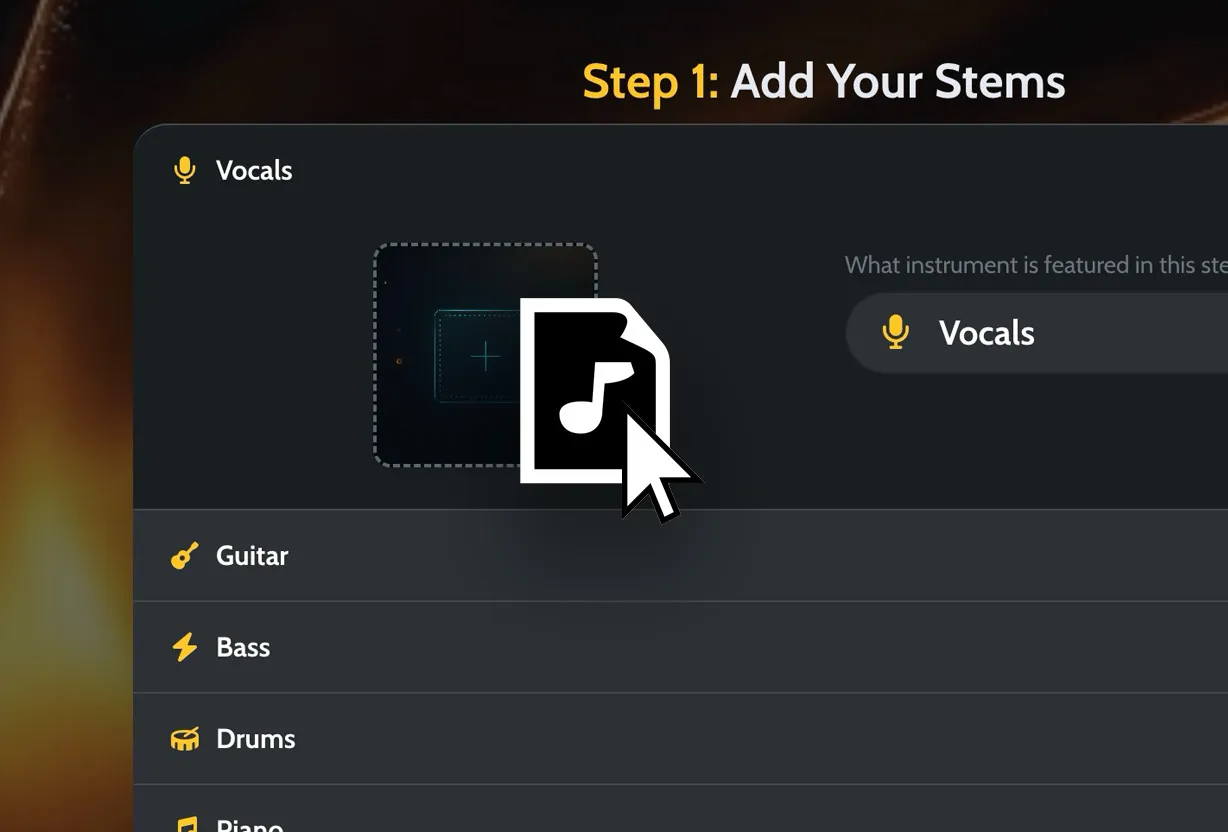
Add separate tracks or start from a song that can be split into stems.
Let the vocal, beat, bass, drums, and instruments sit together before mastering.
Keep the WAV master, MP3 preview, premaster mix, and processed stems.
Pick a song that already feels right. Moozix uses it as direction for tone, punch, loudness, width, and balance. It is not a promise to copy another record. It is a better way to say what “warm,” “clean,” or “professional” usually fails to explain.
Use a reference track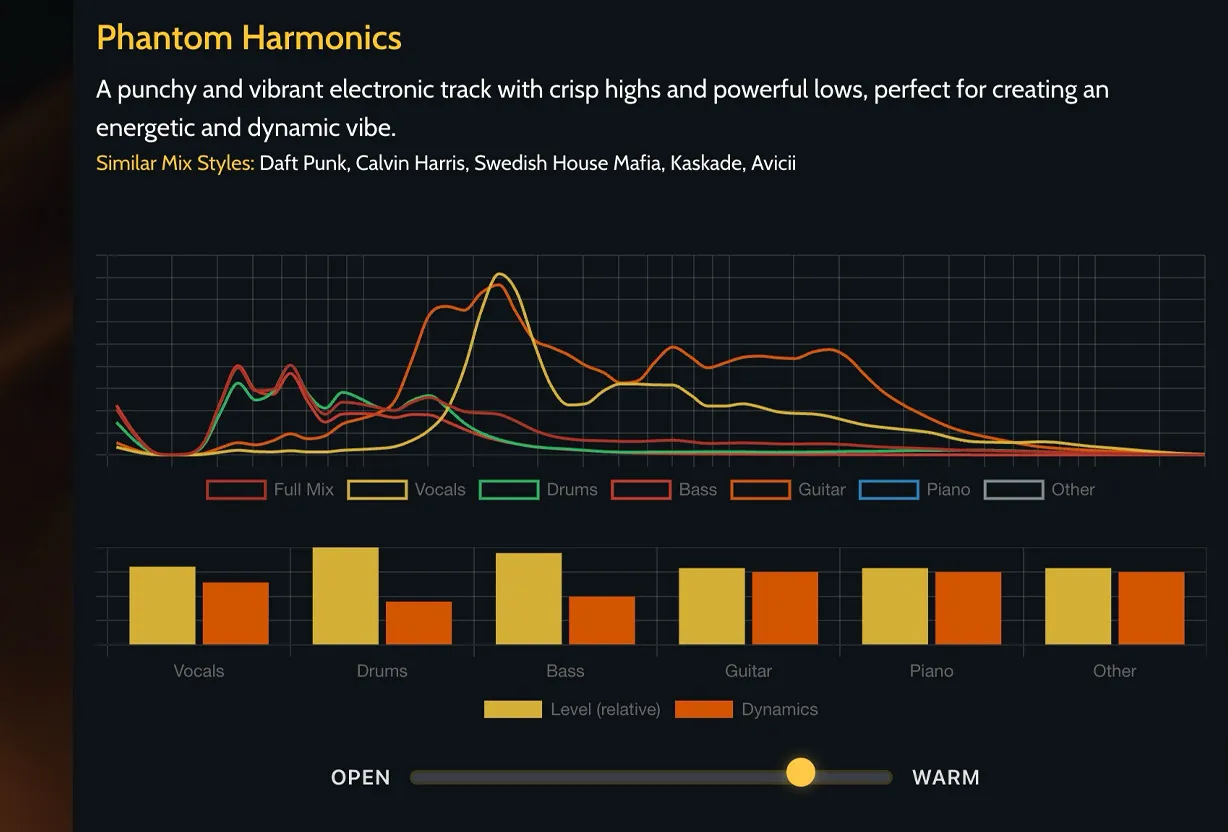 EQ shape
Dynamics
Low end
Stereo width
EQ shape
Dynamics
Low end
Stereo width
“Make it punchy” can mean ten different things. A reference gives the finish a real target for brightness, low end, density, width, and loudness without pretending another song can be cloned.
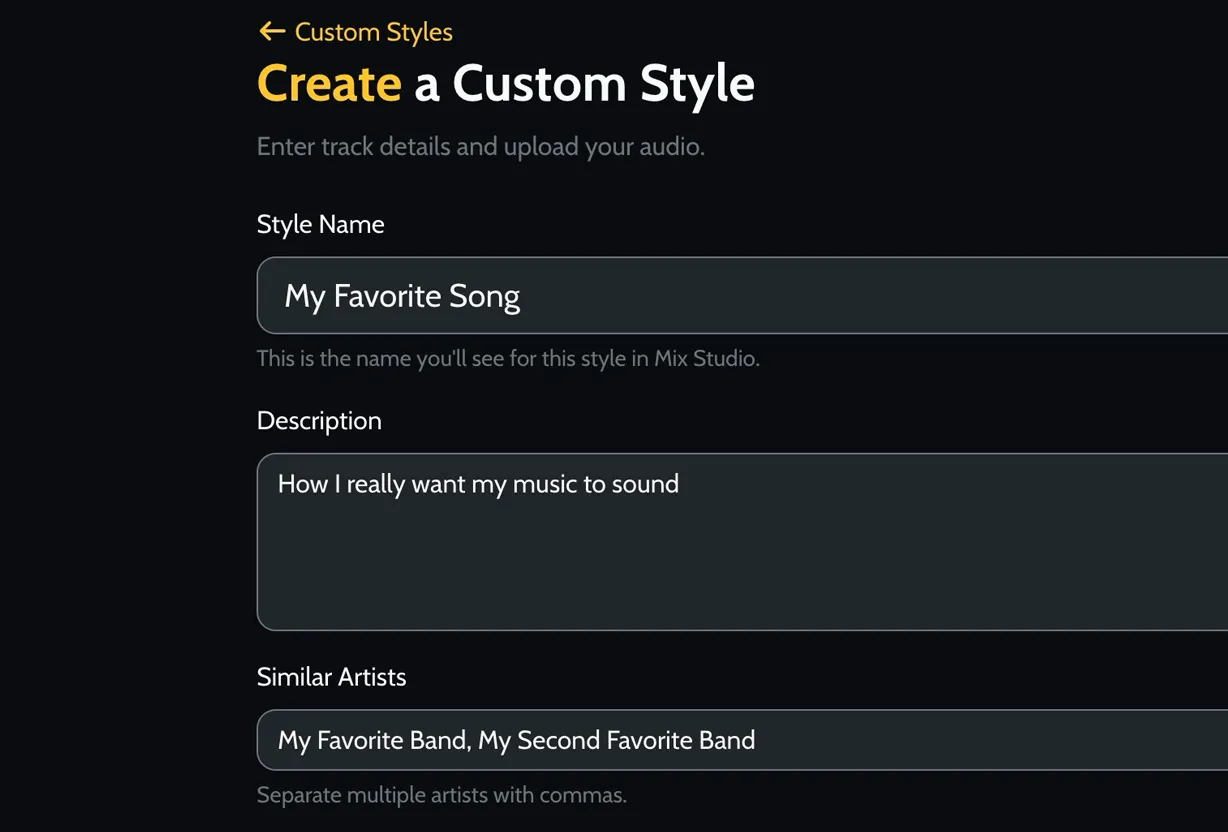
Create a custom style once, then apply it across future stem mixes and masters.
Give Moozix a real target for brightness, low end, punch, and loudness.
Use the same reference style when you want multiple songs to feel like they belong together.
If the mix already works, master the stereo file. If the mix is the problem, fix it from stems first and master that result. Either way, you can keep the versions you need.
High-resolution export for distribution, archives, and final delivery.
Fast review copy for headphones, collaborators, and mobile checks.
Stems printed with the balance and tone from the Moozix mix.
A clean checkpoint when you want to compare the mix and master separately.
Best when the song still needs balance between vocals, drums, bass, and instruments.
Best when the mix is finished and only needs the final mastering pass.
Upload one finished track and Moozix can separate it into stems before starting a new mix.
Yes. Moozix is an AI mixing and mastering tool for songs and stems. It can use AI stem mixing to balance vocals, drums, bass, and instruments before AI mastering finishes the track.
Moozix is an AI mixing and mastering tool for songs and stems. Upload stems when the balance needs work, or upload a finished stereo mix when AI mastering is enough.
Stems give Moozix the most control. If you only have a finished stereo mix, start with mastering instead.
Yes. Upload stems when the balance needs work, or upload a stereo track when the mix is ready for final polish.
Automix is Moozix shorthand for AI mixing that balances song parts with software before mastering. The plain version is simpler: upload stems when the mix needs fixing.
Yes. If your mix already feels balanced, upload the stereo track and Moozix will create a polished AI master with 24-bit WAV and MP3 exports.
No. If you upload stems, Moozix can balance the parts before mastering, so it can fix more than loudness.
Yes. Pro exports include processed stems you can bring into your own DAW for revisions, alternate versions, and final production work.
Uploaded audio stays private and is not used to train models.
Start free with the clearest path: upload stems when the song needs balance, or master a finished stereo mix when the balance already works.