AI Music Video Creator for Artists

Create Beat-Synced Music Videos in Moozix Without a Complicated Edit

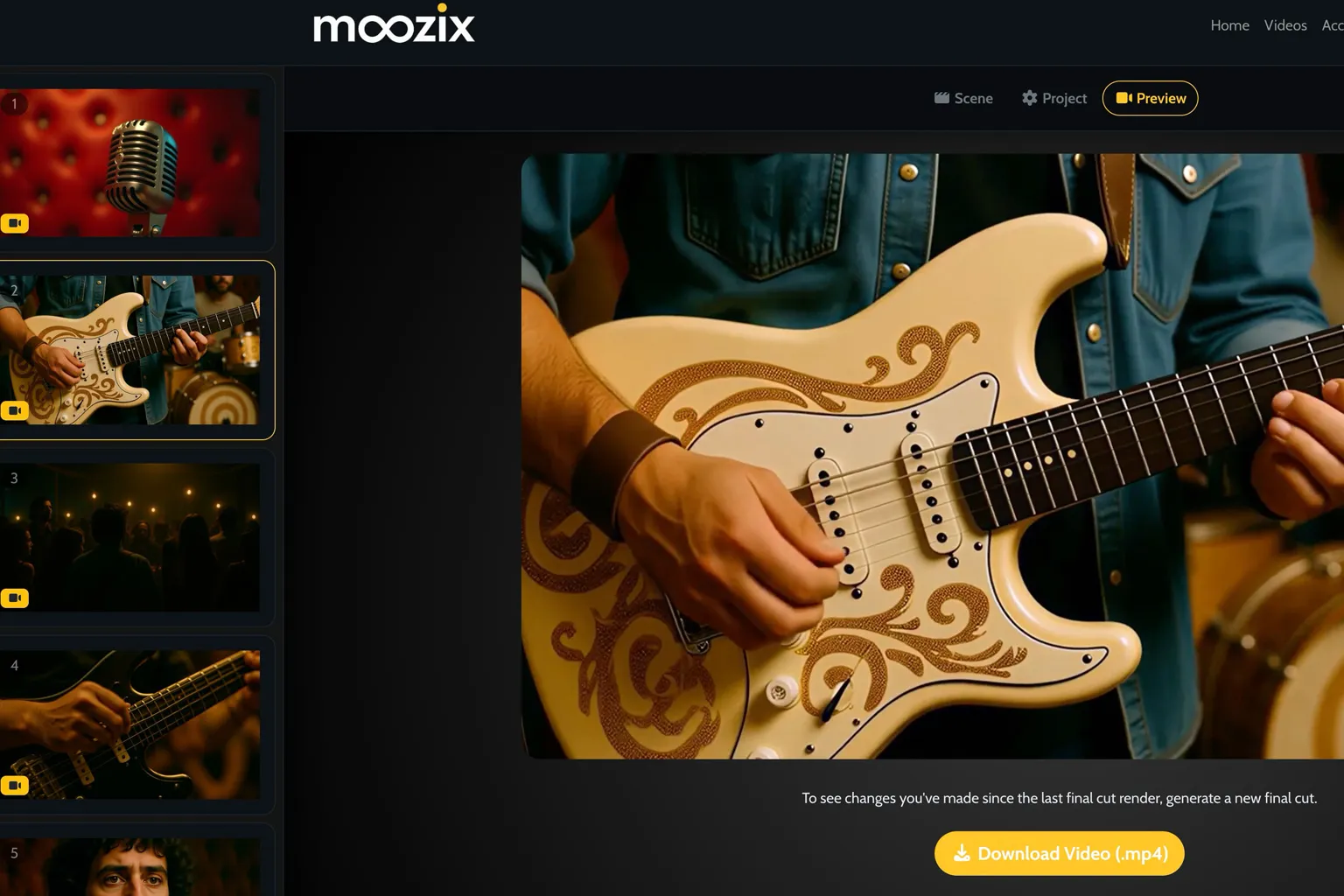
Upload your song, let Moozix build a storyboard from the beat structure, guide character consistency with reference images, generate scene frames and clips, then render the final cut in one workflow.

Beat-Synced Scenes Character Consistency Final Cut Export
Storyboard First
Review and approve prompts before spending credits on renders.
Scene-by-Scene Control
Mix quality tiers, regenerate only the shots you want, and keep the rest.
Reference-Guided Visuals
Use reference images so the artist/product shows up consistently across shots.
AI music video scene example showing artist-focused visual direction in Moozix
Step 1: Setup

Upload a Song, Add References, and Let Moozix Build the Plan

Start with your track and optional reference images for the artist, product, or recurring character. Moozix uses the song structure and beat timing to create a storyboard that feels like a real music video production plan instead of random stock footage prompts.

  • Beat-aligned scene timing based on your uploaded song
  • Optional references for character and visual identity consistency
  • Mobile-friendly setup flow with simple guided steps
Start a Music Video Project
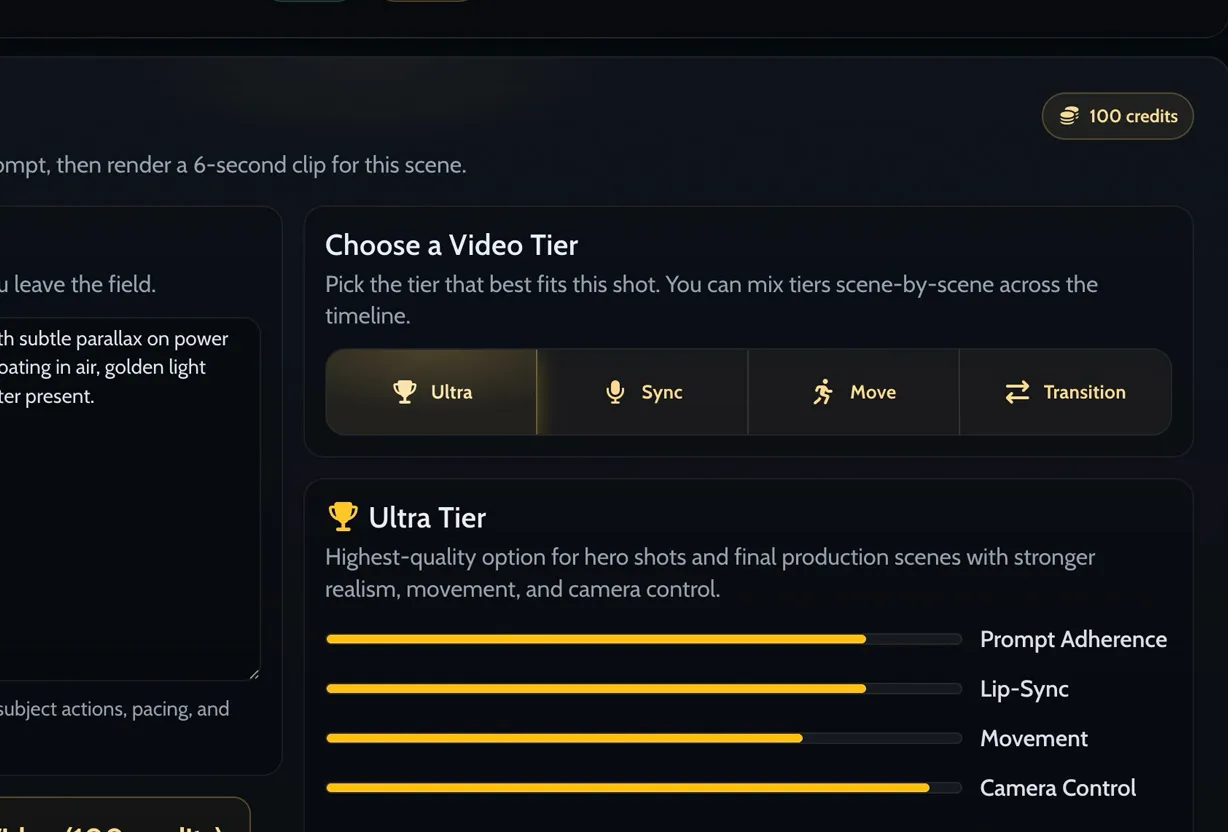
Moozix video generation tiers and scene rendering options for AI music videos
Step 2: Approve + Generate

Approve the Storyboard, Generate First Frames, Then Render Clip by Clip

Moozix lets you review each scene prompt before rendering. Generate a first frame, upload your own frame if you already have one, pick the best video tier for that shot, and regenerate only what needs work.

  • Scene-level first-frame image generation with references or B-roll mode
  • Multiple video tiers for lip-sync, motion, transitions, and premium hero shots
  • Generate one scene or batch-generate with clear credit confirmation
Try the Scene Workflow
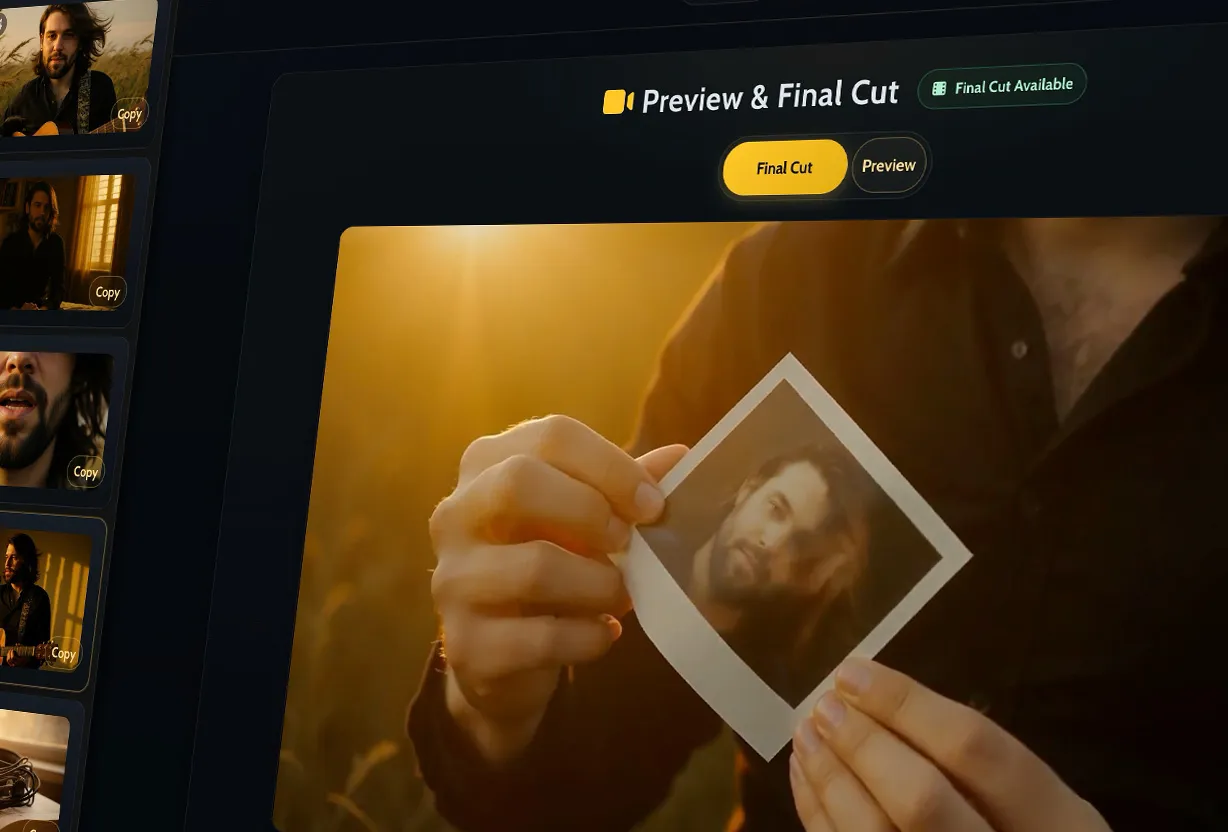
Moozix final cut rendering and preview interface for AI music videos
Step 3: Final Cut

Render the Final Cut After You Approve the Timeline

Once your scenes are ready, Moozix assembles the full music video into a final cut. You keep the production workflow organized in one project instead of juggling prompts, clips, and exports across multiple tools.

  • Final-cut render with in-app progress and preview tab flow
  • Failures surfaced clearly so you are not waiting on hidden errors
  • Designed for repeatable music video production, not one-off demos

Create Your First Final Cut

Why Moozix Works for Real Music Video Production

Built for artists and teams who need a repeatable workflow, not just a single prompt output.

Beat-Synced Cuts

Scene timing starts from your song, so cuts feel musical and intentional instead of randomly timed.

Consistent Characters

Use reference images to keep the artist or product recurring across scenes while still mixing in B-roll.

Multiple Video Tiers

Choose different generation tiers scene by scene for premium hero shots, motion cutaways, and transitions.

Approval-First Workflow

Review prompts before generating, regenerate individual scenes, then render the final cut when everything looks right.

Moozix Music Videos
  • Song upload + beat-based scene split before storyboarding
  • Reference-guided first-frame generation for scene consistency
  • Scene timeline with image/video/failure state visibility
  • Mix and match clip generation tiers across a single project
  • Final-cut rendering and export from the same workflow
Generic Text-to-Video Flow
  • Usually no beat-based scene planning from your song
  • Harder to keep performer identity consistent across multiple shots
  • No music-video-specific timeline review and approvals
  • Rebuilding the whole prompt when one shot misses
  • More manual assembly work outside the generation tool

Who This Is For

Built for artists who want professional-looking music videos without the overhead of a full production team for every release.

1
Independent Artists

Ship more releases with visual content that matches the song, even on a tight budget and timeline.

2
Producers & Songwriters

Create demo visuals, pitch visuals, or artist-ready concepts to support song placements and releases.

3
Managers & Labels

Produce faster visual campaigns around singles using a repeatable review and approval workflow.

4
Content Teams

Build clips with consistent product or brand references across scenes and rerender only what changes.

Music Video Creator FAQ

Clear answers for artists evaluating AI music video software and workflows.

Moozix first processes the uploaded song and splits it into timed scene segments on the beat. The storyboard is then generated against those scene durations, which makes the final timeline feel musically synced instead of randomly paced.

Yes. Moozix supports reference images at the project level so the storyboard and image generation flow can use them for character or product consistency. You can still mix in non-reference B-roll scenes where it makes creative sense.

No. The workflow is approval-first. You can review and edit scene prompts before generating first frames or video clips, which helps control quality and reduce wasted credits.

Yes. Moozix supports scene-by-scene generation for both first-frame images and video clips, plus batch generation when you are ready. This makes it easy to test hero shots first and iterate only where needed.

Moozix is designed for a structured music video workflow with storyboarding, references, scene approvals, and final-cut rendering. That makes it useful for both social-ready content and more polished release visuals.

The Promo Video tool is a simpler audio-reactive visualizer workflow. Moozix Music Videos is a more advanced scene-based AI music video creator with storyboard generation, reference images, multiple video models, and final-cut assembly.

Ready to Turn Your Song Into a Music Video?

Build beat-synced scenes, keep your characters consistent, and render a final cut without jumping between tools.

Start with a song, review the storyboard, and only render the scenes you approve.

Copyright © 2026 Moozix LLC. Atlanta, GA, USA