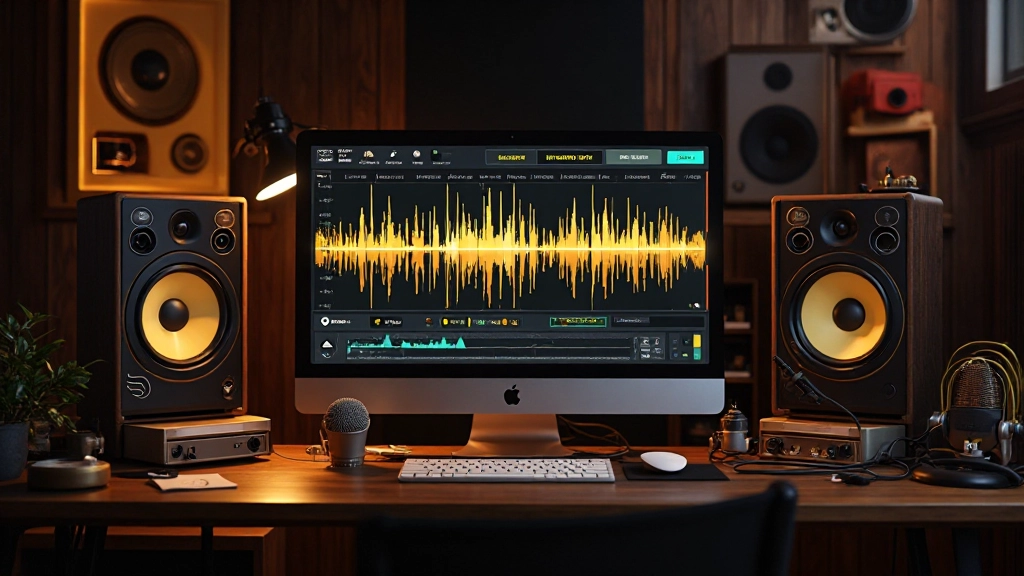
When Rebecca's hard drive crashed during a three-week recording session, she thought her indie folk album was finished. The only surviving vocals existed on a backup drive, buried under layers of electrical hum, room noise, and the constant drone of her neighbor's air conditioner. Six months earlier, those tracks would have been unusable. But modern AI noise reduction tools transformed what seemed like a disaster into some of the most intimate, present vocal performances she'd ever captured.
When Traditional Methods Hit the Wall
Rebecca had tried everything conventional wisdom suggested. High-pass filters eliminated some low-end rumble but couldn't touch the midrange hum that lived exactly where her voice's fundamental frequencies resided. Multiband compression helped with inconsistent background noise but introduced pumping artifacts that made her ballads sound choppy. Even surgical EQ notching left holes in her vocal tone that sounded worse than the original noise.
The breakthrough came when she started approaching AI noise reduction not as a magic wand, but as a precision instrument that required strategic setup and careful monitoring. The key insight: successful AI cleanup happens in layers, with each pass addressing specific problems while preserving the musical content that makes a performance worth saving.
The Three-Pass AI Cleanup System
Modern AI noise reduction works best when you break the problem into targeted passes rather than trying to fix everything at once. Rebecca discovered this approach prevented the "over-processed" sound that plagued her early cleanup attempts.
Pass One: Broad Spectrum Analysis
Start by feeding your AI tool a noise-only section of the recording. This trains the algorithm to identify what needs removal versus what needs preservation. Rebecca found that 3-5 seconds of pure noise (room tone, electrical hum, or air conditioning without any musical content) gave her AI tools the best reference point.
Set your initial reduction conservatively, around 6-10dB of noise reduction. This first pass should make the background cleaner without touching the character of your performance. If you can hear artifacts or "digital breathiness" creeping into vocals, you've pushed too hard.
Pass Two: Targeted Frequency Cleanup
After the broad cleanup, listen specifically for remaining problem frequencies. In Rebecca's case, a 120Hz electrical hum still poked through during quiet vocal passages. Rather than re-processing the entire file, she used frequency-specific AI reduction focused only on the 100-150Hz range.
This surgical approach preserved her voice's natural low-end warmth while eliminating the mechanical drone. Many AI tools now offer multiband processing that lets you apply different amounts of reduction across the frequency spectrum.
- Identify remaining problem frequencies using a spectrum analyzer
- Apply frequency-specific AI reduction only where needed
- Use gentle settings (2-4dB reduction) to avoid introducing new artifacts
- A/B test frequently against your pre-cleanup version
Pass Three: Dynamics and Transient Preservation
The final pass focuses on restoring any natural dynamics that previous processing may have smoothed over. AI noise reduction can sometimes compress the natural breath and movement in vocal performances, making them sound static.
Rebecca used AI-powered transient enhancement to restore the subtle mouth sounds, breath intake, and finger movement on guitar strings that gave her folk recordings their intimate character. The goal isn't to add artificial presence, but to recover the organic details that make listeners feel like they're in the room with the performance.
"The best AI cleanup doesn't sound like cleanup at all. It sounds like you recorded in a better room with better gear."
Rebecca Martinez, describing her approach to noise reduction
Common AI Cleanup Mistakes That Ruin Character
Working with dozens of rescued recordings taught Rebecca to spot the warning signs of over-processing before they destroyed musical performances.
| Problem | Symptom | Prevention |
|---|---|---|
| Over-reduction | Vocals sound underwater or muffled | Process in small increments, checking frequently |
| Frequency masking | Instruments lose clarity in specific ranges | Use multiband processing instead of broadband |
| Artifact introduction | Metallic, digital breathing sounds | Lower reduction thresholds, use gentler algorithms |
| Dynamic flattening | Performance lacks natural variation | Preserve transients, avoid over-compression |
Workflow Integration: Making AI Cleanup Part of Your Process
The most successful AI noise cleanup happens when it's integrated thoughtfully into your existing workflow rather than treated as an emergency last resort. Rebecca developed a systematic approach that prevented most noise problems while providing clear cleanup protocols when issues arose.
Pre-Recording Prevention
Before reaching for AI tools, eliminate noise sources you can control. Rebecca learned to record a 10-second room tone sample at the beginning of each session, capturing the ambient noise signature of her space. This reference became invaluable for training AI algorithms later.
She also started monitoring recordings with noise-revealing headphones during tracking, catching problems early when re-recording was still an option. Sometimes the best AI workflow is the one you never need to use.
Strategic Processing Order
When cleanup becomes necessary, the order of operations matters enormously. Rebecca's standard processing chain follows this sequence:
- Broad noise reduction: Remove constant background elements
- EQ correction: Address frequency imbalances revealed by cleanup
- Targeted reduction: Handle specific problem frequencies
- Transient restoration: Recover natural performance dynamics
- Final polish: Subtle compression and presence enhancement
AI Tool Selection: Matching Algorithm to Material
Not all AI noise reduction tools excel at the same tasks. Rebecca learned to match specific algorithms to the type of content and noise she was addressing.
For steady-state noise like air conditioning or electrical hum, she relied on spectral-learning algorithms that could build detailed models of unwanted frequencies. These tools excelled at removing consistent problems without affecting musical content.
Transient noise like footsteps, chair squeaks, or outdoor traffic required different AI approaches. Temporal-learning algorithms proved better at distinguishing between unwanted sounds and intentional musical events, preserving the natural timing and rhythm of performances.
Real-World Testing Protocol
Before committing to any AI processing, Rebecca developed a testing routine that revealed potential issues before they became permanent problems:
She would process a 30-second section that included both quiet passages and full-energy moments, then listen on multiple playback systems. Kitchen speakers revealed midrange artifacts that studio monitors missed. Laptop speakers exposed high-frequency processing issues. Car stereo playback caught low-end problems that only appeared in challenging acoustic environments.
Beyond Repair: Creative Applications of AI Cleanup
As Rebecca grew comfortable with AI noise reduction, she discovered creative applications that went beyond simple problem-solving. Selective noise removal could enhance spatial relationships between instruments, making mixes feel wider and more detailed.
By removing low-level room reflections from close-miked sources, she could place those instruments in artificial spaces that served the song better than the original recording environment. Cleaning up bleed between instruments gave her mixing flexibility that transformed the entire character of her arrangements.
The Character Preservation Balance
The most critical skill Rebecca developed was knowing when to stop processing. AI tools made it tempting to pursue perfectly clean recordings, but perfect cleanliness often came at the cost of musical vitality.
She learned to preserve small amounts of controlled noise that contributed to the performance's character. The subtle room tone that made vocals feel intimate. The slight finger noise that connected listeners to the guitar performance. The barely audible breath sounds that made ballads feel human rather than mechanical.
Future-Proofing Your AI Cleanup Workflow
As AI noise reduction technology continues evolving rapidly, Rebecca structured her workflow to adapt to new tools without starting from scratch. She maintains detailed notes about what worked for different types of material, building a personal database of successful approaches.
Most importantly, she continues developing her ears' ability to distinguish between noise that hurts musical communication and natural sounds that enhance it. No AI algorithm can make those aesthetic decisions - that remains the producer's creative responsibility.
The rescued vocal tracks that started as unusable noise-filled recordings became the emotional centerpiece of Rebecca's album. But the real victory wasn't the technical cleanup - it was learning to use AI tools as extensions of musical judgment rather than replacements for it. When your next recording session produces seemingly ruined takes, remember that modern AI cleanup can save more than you think, as long as you approach it with patience, strategy, and respect for the musical performance underneath the noise.
Hear what these choices do to your own song.
Upload stems or a finished track, choose a reference direction, and compare a private Moozix mix before you export anything.