Recording in small rooms means dealing with two unavoidable companions: room tone and instrument bleed. Room tone is the subtle ambient sound your space makes even when no one's playing—HVAC hum, electrical buzz, street noise filtering through walls. Bleed happens when your vocal mic picks up the guitar amp in the corner, or when the drum overhead catches the bass cabinet. Both can either support your recording or completely derail it, depending on how you handle them.
Most home studio musicians try to eliminate these entirely, which leads to frustration and over-processed recordings. The better approach is learning when to minimize, when to embrace, and when to work around room characteristics that you simply can't change without major construction.
Quick takeaways for room tone and bleed management
- Record consistent room tone separately to use as a noise floor reference
- Position mics closer to sources and farther from problem reflections
- Use cardioid patterns to reject off-axis bleed rather than fighting it with EQ
- Embrace controlled bleed on drums and live ensembles for natural cohesion
- Gate and automation work better than noise reduction for preserving transients
- Time your sessions around predictable noise sources like traffic patterns
What exactly are you hearing in that room tone?
Room tone isn't just "background noise"—it's a combination of your space's acoustic signature, electrical noise from your gear, and environmental sounds that create a consistent noise floor. In a typical home studio, you'll hear HVAC cycling, computer fans, electrical hum from power supplies, and ambient sound leaking through windows and walls.
The key insight is that room tone becomes a problem when it's inconsistent between takes or when it competes with your source material in the same frequency range. A gentle, steady low-frequency hum might disappear completely in a full mix, while intermittent air conditioning cycling will create obvious dropouts between vocal phrases.
Record 30 seconds of room tone at the start of each session with all your gear powered on but no instruments playing. This gives you a baseline to match if you need to punch in later, and it helps you identify which noise sources are constant versus intermittent.
How mic placement controls both room character and bleed
Microphone positioning is your primary tool for managing unwanted room interaction. The inverse square law works in your favor here—doubling the distance from your source quadruples the relative pickup of room reflections and bleed sources.
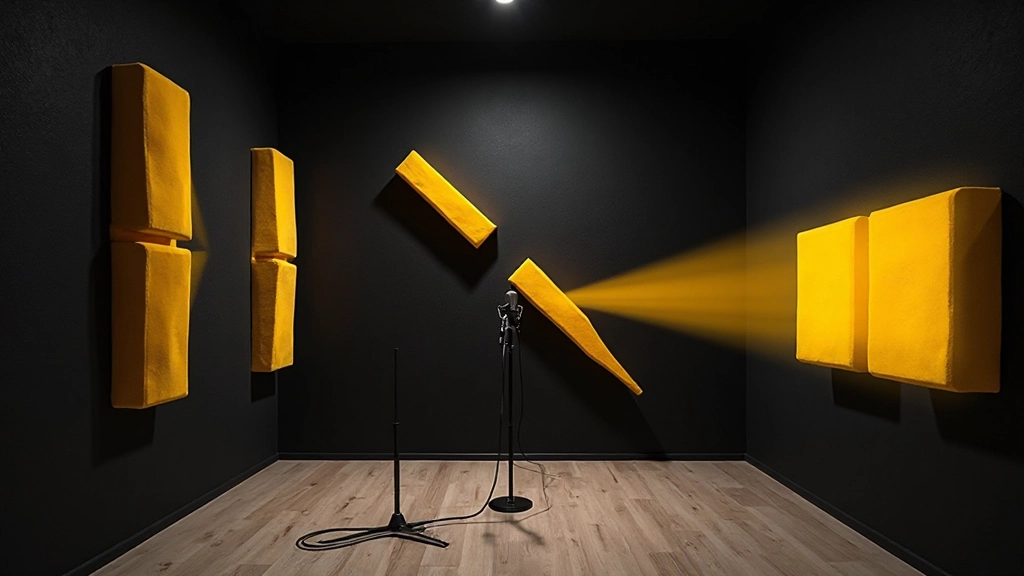
For vocals, work closer than you might prefer, around 4-6 inches, and use a cardioid pattern aimed away from the most reflective wall. If your room has one dead corner with hanging clothes or a bookshelf, face that direction and let the null of your cardioid reject the parallel walls behind you.
With instruments, proximity effect becomes your friend. Getting close to a guitar cab or acoustic guitar body emphasizes the direct sound while de-emphasizing room reflections. The trade-off is dealing with proximity bass boost, which you can address with a gentle high-pass filter rather than fighting room acoustics you can't easily change.
| Source | Ideal Distance | Pattern Choice | Common Problem |
|---|---|---|---|
| Lead Vocal | 4-6 inches | Cardioid | Plosives and room reflections |
| Acoustic Guitar | 8-12 inches | Small diaphragm cardioid | String noise and room reverb |
| Guitar Amp | 1-3 inches from speaker | Dynamic cardioid | Room resonances and bleed |
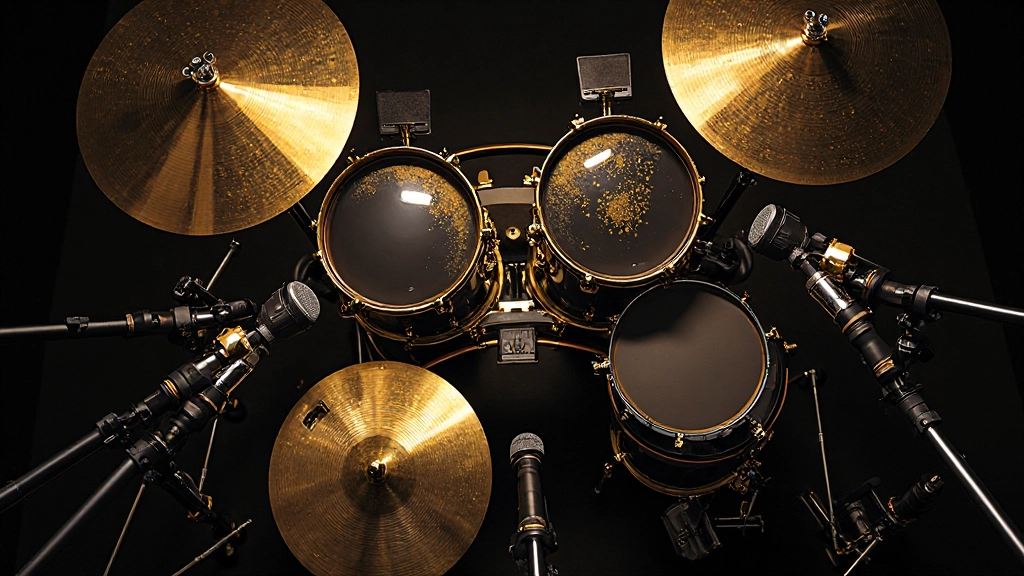
| Drum Kit | Varies by piece | Multiple patterns | Cymbal bleed and room modes |
When bleed actually helps your mix cohesion
Not all bleed is bad. When recording drums, controlled bleed between mics creates natural phase relationships and sonic glue that's difficult to recreate artificially. The kick drum bleeding into your snare mic, when properly managed, adds low-end weight to snare hits without muddying the fundamental tone.
For live band recording in one room, embrace bleed as a creative tool. Position instruments so that bleed sources complement rather than compete. Place the bass amp where it bleeds into the drum mics but not the vocal mic. Let guitar amps bleed into drum overheads to create natural stereo width.
The key is controlling which frequencies bleed where. High-frequency content travels more directionally, so cymbals bleeding into guitar mics might add unwanted brightness. Low frequencies are more omnidirectional, so bass bleed is harder to avoid but often more musical when present.
Timing your sessions around noise patterns
Many room tone problems are predictable and avoidable with basic scheduling awareness. Traffic noise peaks during rush hours, HVAC systems cycle predictably, and construction noise typically follows local ordinances about permitted hours.
Track your room's noise patterns for a week before important recording sessions. Note when the refrigerator compressor kicks in, when the neighbor's dog barks, when delivery trucks use your street. Most musicians can shift their recording schedule by even an hour or two to avoid the worst noise windows.
For vocals and other quiet sources, schedule during your room's quietest periods. For loud sources like drums or distorted guitars, the ambient noise floor becomes less critical, and you can record during higher-noise periods without significant impact.
Why gating beats noise reduction for preserving transients
When you need to reduce room tone and bleed, gating preserves the natural attack and decay of your source better than broadband noise reduction. A properly set gate opens with the transient and closes during natural pauses, maintaining the envelope you originally captured.
Set your gate threshold just above your room tone level, with a fast attack (0.1-0.5ms) and a release time that matches your source material. For vocals, try 100-300ms release. For percussive sources, use faster release times around 50-100ms.
The key is using the gate's frequency-conscious controls if your plugin offers them. A gate that responds primarily to midrange content will trigger more reliably on vocals while ignoring low-frequency room rumble or high-frequency electrical noise.
- Set threshold 3-6dB above room tone level
- Use frequency-conscious gating when available
- Match release time to source material decay
- Automate gate bypass for sustained passages
- A/B with source material to avoid over-gating
Building a noise floor strategy with your DAW
Most DAWs include basic gating and noise reduction tools that work well for home studio applications. Logic's Noise Gate, Pro Tools' Expander/Gate, and Reaper's ReaGate all offer frequency-conscious operation that responds more intelligently than simple level-based gating.
Create a track stack or template that includes a gentle high-pass filter, a frequency-conscious gate, and a subtle compressor. The high-pass removes low-frequency room rumble, the gate handles intermittent noise, and light compression evens out the performance without exaggerating noise during quiet passages.
For vocals, try this signal chain: high-pass at 80-100Hz, gate with frequency weighting around 1-3kHz (where vocal intelligibility lives), followed by gentle compression with a 3:1 ratio. This preserves vocal clarity while managing room interaction.
Automate the gate bypass during sustained notes or long vocal phrases where you want natural decay. This prevents the gate from chopping off the tail end of notes that naturally fade below your threshold.
How room modes affect your recording decisions
Small rooms create standing wave patterns that emphasize certain frequencies while canceling others. These room modes directly affect what your microphones capture, especially in the low and low-mid frequency ranges where wavelengths are comparable to room dimensions.
Listen for one-note bass problems where certain pitches ring out much longer than others, or where moving the microphone a few inches dramatically changes the tone balance. These are signs of room mode interaction that you'll need to address through positioning rather than EQ.
The nulls created by room modes can actually help with bleed control. If your room has a bass null in one corner, position your vocal mic there to naturally reduce low-frequency bleed from other sources. Use room mode maps or simple listening tests to find the sweet spots for different source types.
When to embrace room character versus fighting it
Sometimes your room's signature becomes part of your sound rather than a problem to solve. Many classic recordings were made in rooms with distinct acoustic characteristics that became integral to the artist's sound.
If your room adds a pleasant natural reverb tail or interesting midrange coloration, consider how to use that creatively rather than eliminating it entirely. Record some takes with closer mic positioning for intimacy and others with more room interaction for texture and depth.
The decision often comes down to whether the room supports or competes with your musical arrangement. A live room works well for sparse arrangements where the space can breathe, but fights against dense productions where every frequency slot matters.
False fix: Over-processing to eliminate natural room sound
The biggest mistake home studio musicians make is trying to create an anechoic chamber effect through heavy processing. Aggressive noise reduction, over-gating, and extreme close-miking often result in recordings that sound artificially sterile and disconnected from their acoustic environment.
Your room is part of your instrument. Unless you're dealing with truly problematic noise sources like electrical interference or traffic rumble, some amount of room interaction usually sounds more natural than completely processed alternatives.
Instead of eliminating room tone entirely, aim for consistency. Match your room sound between takes, manage the most problematic frequency ranges, and let the natural acoustic environment contribute to your recording's character rather than fighting against it.
Preparing room-conscious recordings for mix and upload
When preparing tracks with room tone and bleed for mixing or mix feedback, include notes about intentional versus problematic room interaction. What sounds like a mistake to an outside mixer might be a creative choice that supports your arrangement.
Bounce stems that preserve the full dynamic range and room interaction, then create alternate versions with your gating and noise reduction applied. This gives mixing flexibility to use either version depending on how the track sits in the full arrangement.
For tracks heading to AI automix and mastering services, controlled room interaction usually translates well, but inconsistent noise floors between sections can confuse automated level detection. Clean up the most obvious inconsistencies while preserving the beneficial room characteristics.
Quick room assessment before hitting record
Before each recording session, spend five minutes assessing your current room situation. Turn on all your gear and listen for new noise sources, check that your acoustic treatment hasn't shifted, and record a quick room tone sample to compare with previous sessions.
Test your mic positions with a few phrases or chord progressions to hear how room interaction affects your source material. Make positioning adjustments before you start tracking rather than trying to fix room problems in post-production.
Document what works for future sessions. Note which mic positions gave you the best balance of direct sound and room character, which times of day provided the quietest noise floor, and which creative uses of bleed enhanced rather than hindered your recordings.
Common questions about room tone and bleed management
Should I always record room tone at the beginning of every session?
Yes, especially for vocal and acoustic instrument recordings where you might need to match noise floors between takes. Record 30 seconds with all gear on but no performance. This becomes invaluable for seamless punch-ins and consistent processing across multiple recording days.
How close is too close when trying to minimize room interaction?
When proximity effect becomes more problematic than the room issues you're trying to avoid. For vocals, closer than 3 inches often creates more problems than it solves. For instruments, you lose tonal balance when the mic only captures one small area of the sound source.
Can I use noise reduction plugins instead of gating for room tone?
Noise reduction works better for constant, broadband noise like electrical hum, while gating handles intermittent sources better. For transient-rich material like drums or percussive instruments, gating preserves attack characteristics that noise reduction often softens or distorts.
When is instrument bleed actually helpful in a mix?
Bleed creates natural cohesion when recording live ensembles, adds weight to drum sounds, and can provide stereo width without artificial processing. It's helpful when the bleeding instruments are complementary in frequency range and when the bleed adds musical content rather than competing information.
How do I know if my room modes are affecting my recordings?
Listen for uneven bass response where certain notes ring out much longer than others, or where small mic position changes dramatically alter tone balance. Record a bass scale and listen for notes that sound much louder or quieter than they should in sequence.
Should I treat room tone differently for different genres?
Yes. Intimate acoustic genres often benefit from controlled room interaction that adds warmth, while electronic music typically requires cleaner, more isolated sources. Rock and metal can use room character creatively, especially on drums, while jazz and classical often want accurate room acoustics rather than elimination.
Hear what these choices do to your own song.
Upload stems or a finished track, choose a reference direction, and compare a private Moozix mix before you export anything.