Find your balance.
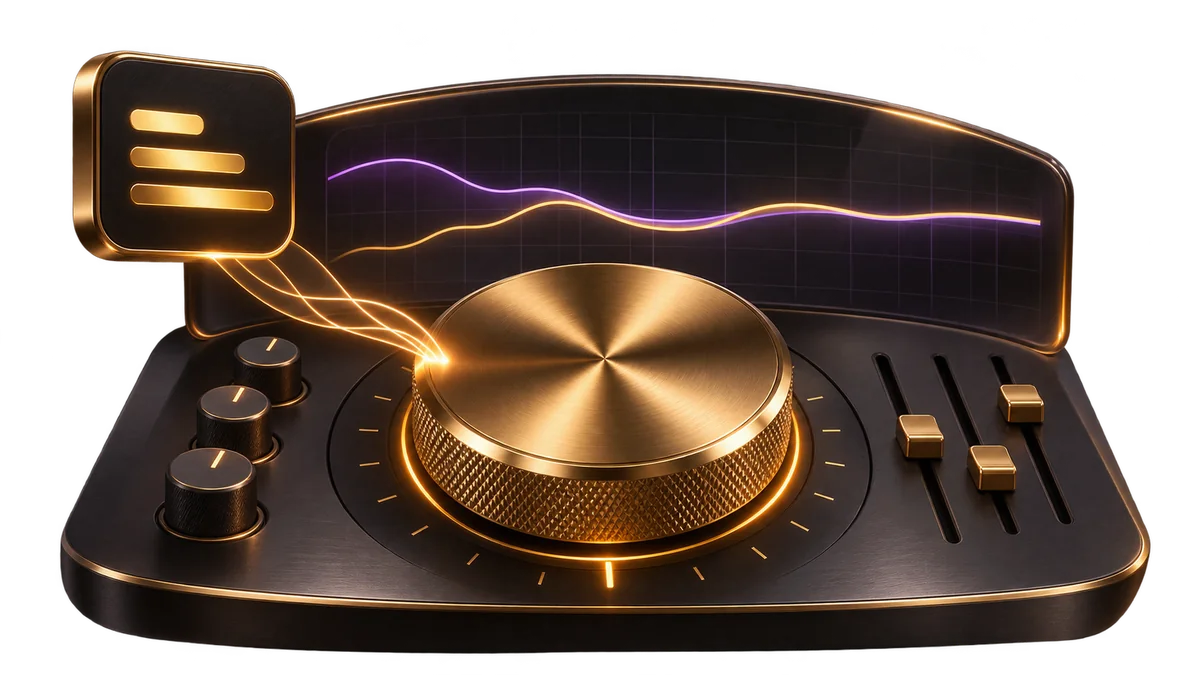
Shape the low end, midrange and top end so the master has the warmth, clarity and brightness you want.
Online audio mastering
Turn your stereo mix into a polished master, right in your browser. Shape the tone, dial in the loudness, and hear your whole song before you download.
Free full-song preview No credit card required
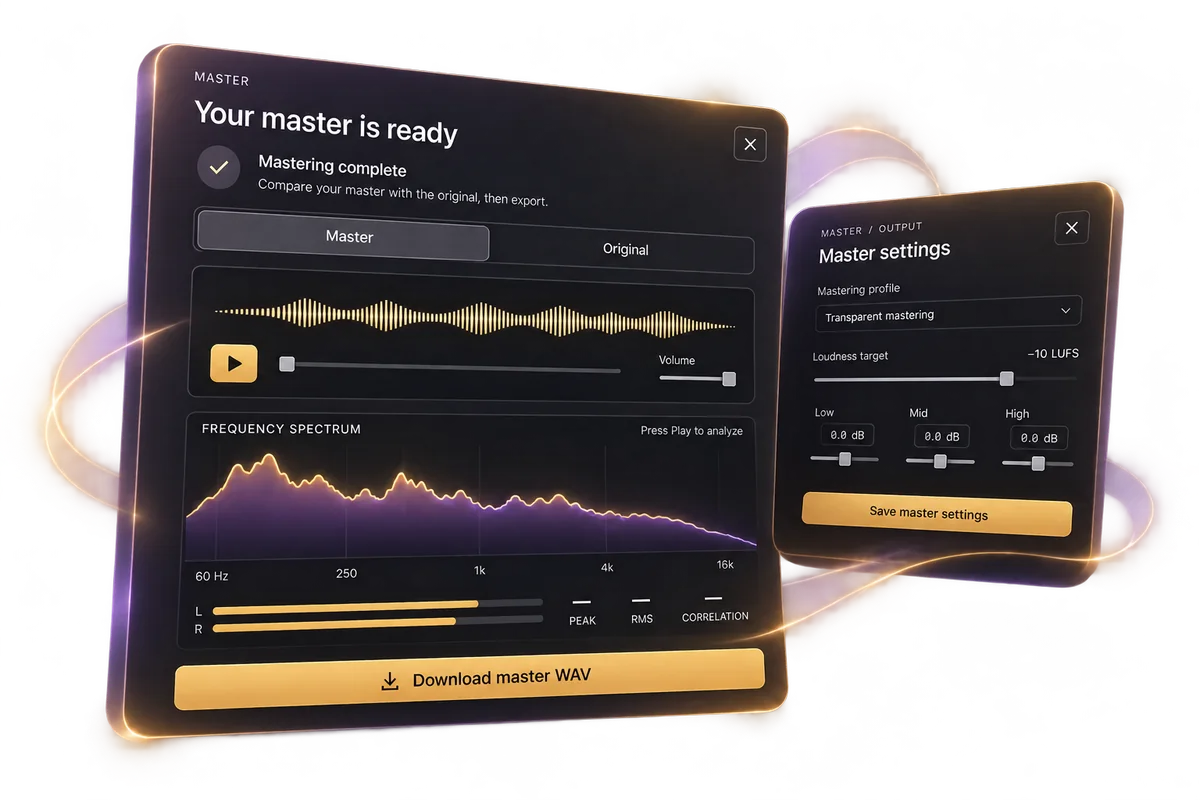
The last step. A real difference.
Moozix brings tone, dynamics and loudness together in one online mastering workflow. Start with your stereo mix and choose how you want the finished song to feel.
Shape the low end, midrange and top end so the master has the warmth, clarity and brightness you want.
Choose a mastering profile that suits your track. Listen for the punch, energy and space that make it feel like you.
Dial in your loudness target, compare the result with your mix, and export a lossless WAV when you are ready.
How to master a song online
Bring the song you have been working on. Your mastering session, preview and download all happen in the browser.
Start Mastering FreeStart a mastering session and upload your finished song. Use a lossless WAV or AIFF when available; MP3, M4A, FLAC and OGG are also supported.
Choose a built-in mastering profile and adjust tone and loudness. On Pro, use a custom full-mix reference profile to guide the master.
Generate a full-song preview. Compare the master with your original mix, check the live analysis, and adjust your settings if you want another version.
Unlock a 48 kHz, 24-bit WAV master with a project download pack or Pro. Choose the version you want to release.
Reference track mastering Pro
Choose a built-in mastering profile, or create your own from a full-mix reference on Pro. Let a track you trust guide the tonal balance and loudness of your master.
Listen first. Keep the version you love.
Switch between your master and original mix. Watch the live frequency spectrum, stereo meters and signal analysis as you listen. Try another tone or loudness setting until the finish feels right.
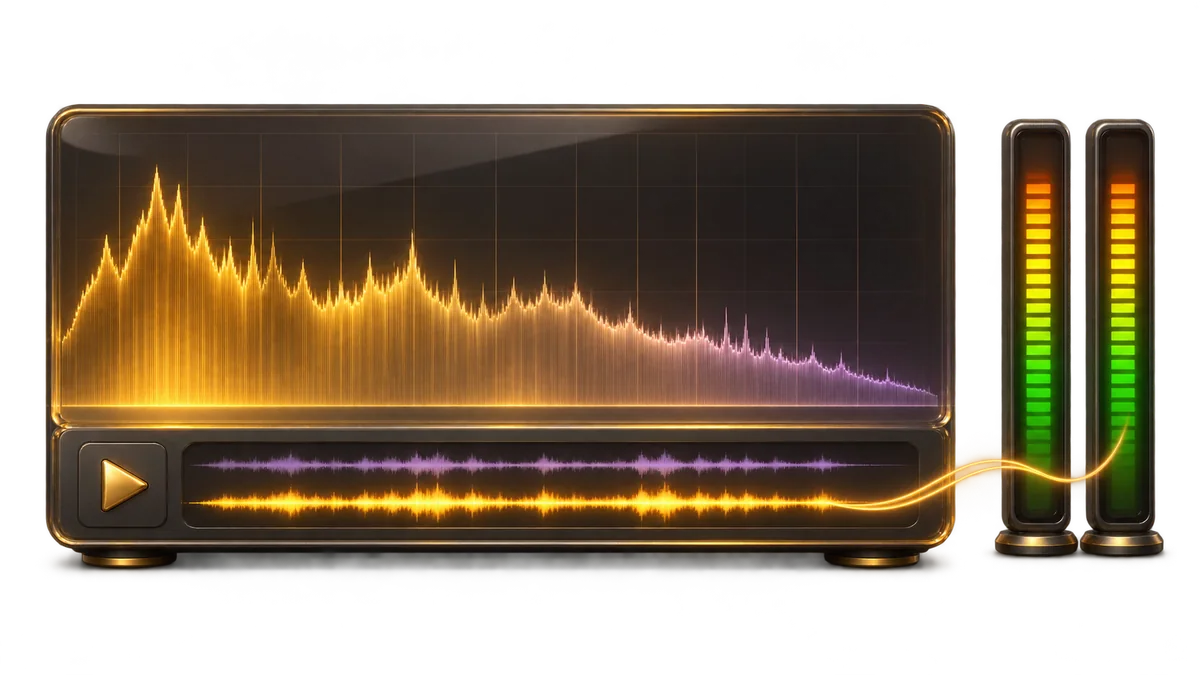
Finished files. Ready for your next move.
Download your master as a lossless 48 kHz, 24-bit WAV for distribution, sharing or your own archive. Streaming platforms handle playback normalization; you choose the sound you want to put out.
Compare download optionsProject pack downloads are shared across revisions of one song. Free previews do not include WAV downloads.
One studio. Two starting points.
Use AI mastering for your finished stereo mix. If you have vocals, drums, bass and instruments to balance, start with AI stem mixing. Moozix supports up to 38 tracks on Pro and 16 on Free, then masters the mix in the same studio.
Explore AI MixingBefore you press play
More about files, references and exports in the mastering support guides.
AI mastering uses automated audio analysis and processing to shape the tone, dynamics, stereo image and loudness of a finished mix. Moozix works with your uploaded music and gives you a full-song preview before you pay for the final WAV download.
Yes. Upload one finished stereo mix to a mastering session. You do not need separate vocals, drums or instrument stems, a DAW plugin, or a studio installation.
You can create an account and listen to full-song mastering previews free, with no credit card required. Final master WAV downloads require a $5 project pack or $9/month Pro. A pack includes 3 master WAV downloads across revisions of one project.
Moozix accepts WAV, AIFF, FLAC, MP3, M4A and OGG. A lossless stereo mix is recommended when available. Each file can be up to 256 MB and 10 minutes long.
Master downloads are lossless, 48 kHz, 24-bit WAV files. MP3 previews are for in-browser listening. A project download pack unlocks master WAVs; Pro also includes mix and processed stem WAVs for stem-mixing sessions.
Yes. Choose a mastering profile, adjust the tone controls and set a loudness target between -18 and -8 LUFS. Custom reference profiles use their captured loudness target. You can change the settings and generate another master to compare.
Yes. Pro lets you create a reusable custom profile from a full-mix reference track. The profile captures measurements that guide the mastering tone and loudness. Use reference audio you have permission to upload. Reference analysis does not copy the song or guarantee an identical sound.
Yes. You can use your WAV master for distribution, subject to your distributor’s file requirements. Streaming services apply their own loudness normalization, so there is no single loudness setting that makes every song play louder everywhere. Listen to the master and choose a finish that suits your music.
Mixing balances individual vocals and instruments. Mastering works on the finished stereo mix as a whole. Use Moozix mixing when you want to shape separate stems, or Moozix mastering when you have a stereo song ready for its final finish.
Yes. Your music and masters remain yours. Moozix does not take copyright, publishing or royalties, and we do not train on your uploaded audio. Your files are used as needed to provide your requested processing, previews and exports.
Free sessions and their audio expire after 24 hours of inactivity. Pro sessions are retained while Pro is active. A one-time download pack does not extend Free retention. Deleting a session removes its associated audio from active cloud storage.
Your song has somewhere to go.
Upload your mix. Hear your master. Decide with your ears.
Master Your Song FreeNo credit card required. Your music stays yours.