How can we help?
Step-by-step guides for Studio, custom profiles, downloads and your account.
Your music stays yours.
No AI training. No ownership transfer. Understand how we use and delete your files.
Start here
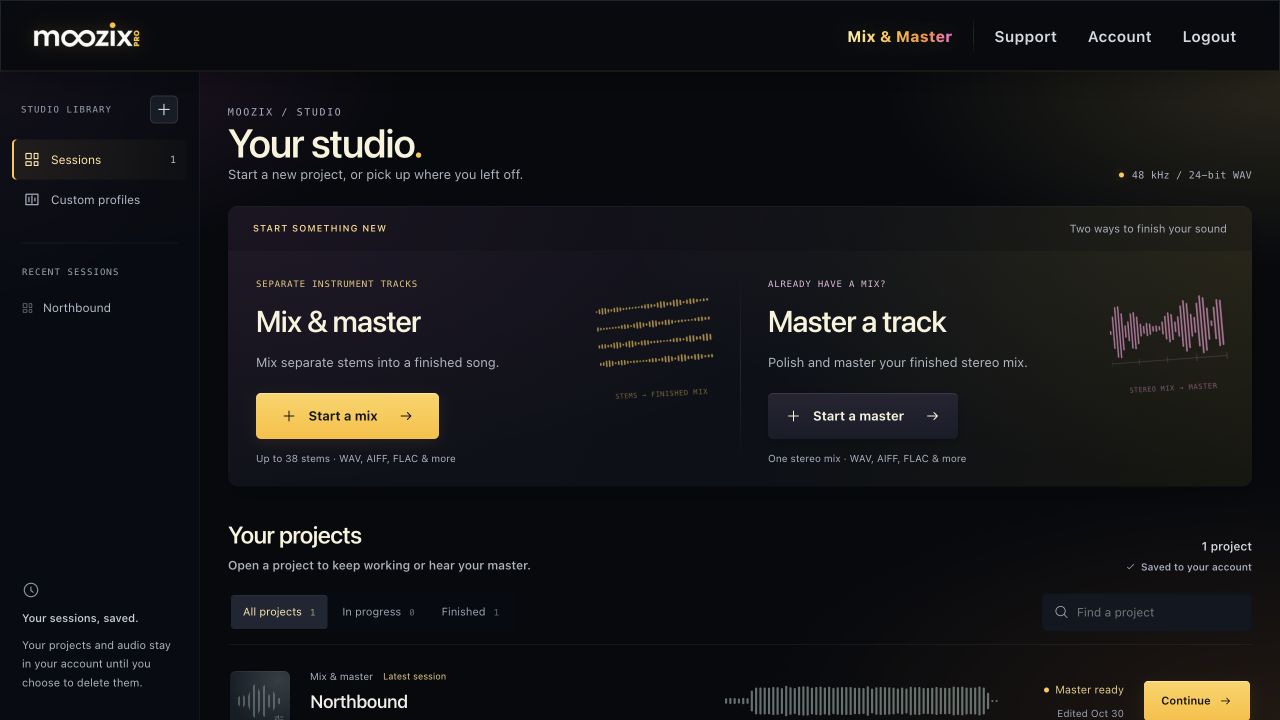
From your first upload to a finished WAVMake your first stem mix
Go from a folder of separate tracks to a mix you can hear, adjust, master and export.
Master a stereo mix
Upload one finished mix, choose its mastering sound and create a master you can hear before downloading.
Compare Pro and pay as you go
Choose $5 for three project master downloads or $9/month Pro for unlimited mixing, mastering and exports.
Find your next step
37 guides · 9 topicsGetting started
Your music, your rights, and your first finished song.
All 4 guidesMixing stems
Uploads, instrument choices, balance, effects and stereo placement.
- Upload stems and add another batch
- Choose instruments and initial panning
- Mix All, Remix Changed and Apply Mix Changes
Mastering
Finish a stereo mix, choose your sound, and hear the result.
- Master a stereo mix
- Set mastering profile, tone and loudness
- Listen to your master and read the analysis
Custom profiles
Capture reference sounds and reuse them across your songs.
- Create a custom profile
- Add individual instrument references
- Use a full mix as a mastering reference
Projects & files
Find, rename, keep and remove your sessions and audio.
All 2 guidesDownloads & billing
WAV exports, $5 download packs, Pro and subscription settings.
All 6 guidesYour account
Sign in, update your details and recover access.
All 2 guidesTroubleshooting
Get unstuck with uploads, playback, processing and payments.
- An upload or audio file could not be prepared
- A session is queued or balancing for too long
- Playback is loading or there is no sound
Legacy Studio
Help for eligible existing subscribers using the original Studio.
All 1 guides