Bring stems
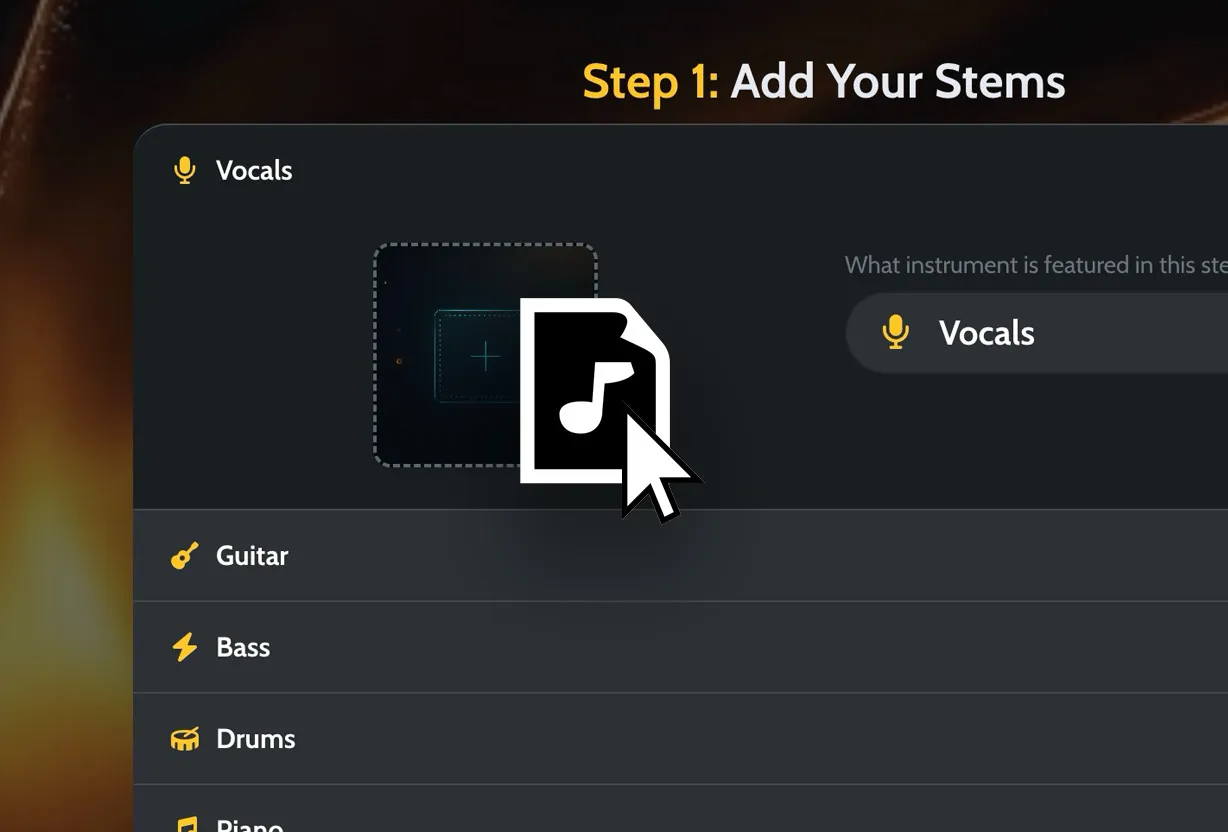
Vocals, drums, bass, instruments, beat, guitars, keys, or grouped parts give Moozix something real to balance.
If the song needs more than loudness, start before the master. Upload stems, get a stronger balance, then finish the track from a version where the vocal, beat, bass, drums, and instruments finally make sense together.
A lot of artists ask for mixing and mastering because they know the song isn't done, but they don't want to build a full engineering workflow from scratch. That's the right instinct. A master can't know that the vocal needs to beat the snare by half a step. The mix has to make that call first.
Vocals, drums, bass, instruments, beat, guitars, keys, or grouped parts give Moozix something real to balance.
A built-in style or custom reference style gives the song a target for tone, punch, loudness, and width.
The vocal can move against the track, low end can tighten, and instruments can stop crowding the center.
The final polish starts from a better mix instead of fighting a rough one.
When the preview works, Pro unlocks masters, MP3 previews, premaster mixes, and processed stems.
A weak finish often comes from parts that are technically present but emotionally wrong. Moozix is most useful when those relationships need a push before the master.
The voice can feel clear without floating above the instrumental or disappearing behind it.
The low end can feel solid without smearing the whole song or eating master headroom.
The groove can hit harder when instruments stop swallowing the transient energy.
Supporting parts can open up the sides while the vocal, kick, bass, and snare stay grounded.
A reference style gives the finish a lane instead of relying on vague notes like "more professional."
Hear the direction on your own audio before deciding whether the final files are worth exporting.
You don't need to overthink it. Export parts that represent jobs in the song. If a part needs its own balance, give it its own stem.
Line stems up from the same start point, avoid clipping them, and leave the final loudness for the master. A clean rough mix is useful too, because it shows how you hear the song.
The goal is not to make every stem impressive on its own. The goal is to make the song easier to believe as one record. When the mix works, the master has room to add confidence instead of doing damage control.
Not stapled on top of the instrumental, not swallowed by it, and not so bright that it hurts. The vocal should tell the listener where the song lives.
Kick, bass, and 808 energy need shape before the limiter gets involved. A cleaner low end can make the master feel louder without crushing the whole track.
A good mix has small lifts: vocals get steadier, drums hit with more intention, and supporting parts make space when the important moment happens.
If the song needs a narrower path, use the problem you hear most clearly.
Mixing and mastering is one workflow, but it is two different jobs.
The mix decides whether the parts believe each other. The master decides how that finished balance should hit the outside world. Skipping the first job is how artists end up with a louder demo.If the song feels unfinished because parts are fighting, mix first. If the parts already sit together, master it.
Yes. Upload stems when the song needs balance work, choose a reference style, hear a private preview, then export final files when the direction feels right.
Mixing controls the relationship between vocals, drums, bass, instruments, width, and effects. Mastering finishes that relationship for loudness, tone, and release playback.
Upload the clearest stems you have: lead vocal, backing vocals, drums, bass, guitars, keys, synths, beat, effects, or grouped instrument parts.
Moozix Free lets you preview the result. Pro unlocks export files such as 24-bit WAV masters, MP3 previews, premaster mixes, processed stems, custom reference styles, and commercial rights.
No. Moozix is built for artists who want a better direction without manually learning every engineering move. Clean stems and a clear rough mix still help the result.
Yes. Separate lead vocal and instrumental files can already help the vocal sit better than one full stereo bounce. More stems give more control when the beat itself is crowded.
Moozix focuses on balance, tone, stem relationships, and final mastering. It is not a replacement for rewriting, re-recording, editing bad performances, or changing the song idea.
Yes, if you have one. A rough mix shows your intended vocal level, energy, space, and arrangement balance even when the technical mix is not finished yet.
Upload stems, choose a direction, hear a private preview, and keep the final files when the song finally feels finished.