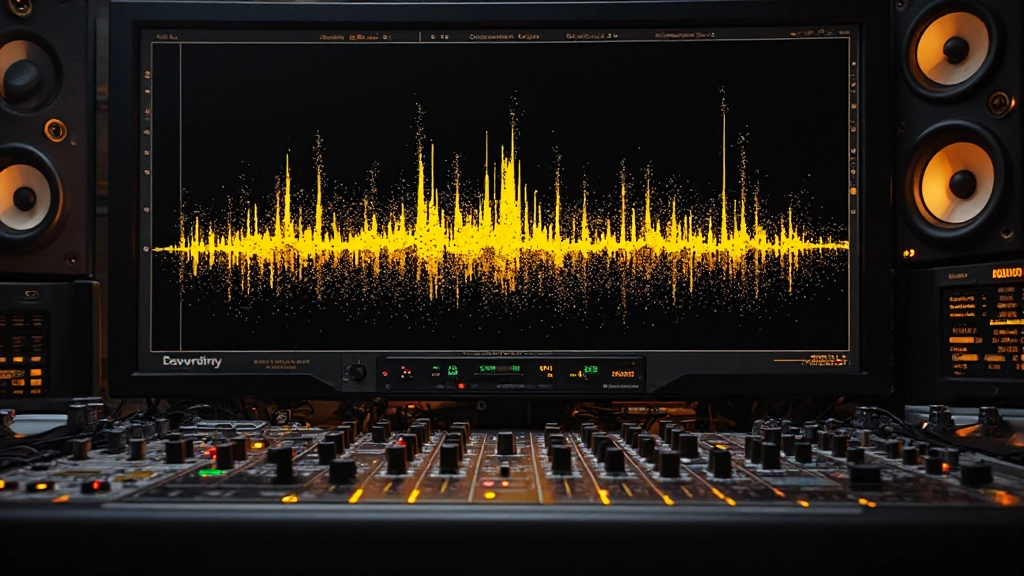




Clipping During Recording: How to Catch Digital Distortion Before It Ruins Your Take
Learn to spot clipping warning signs and fix input levels before distortion destroys your recording session.
Practical reads for stems, references, balance, loudness, and the release decisions that turn a promising track into something finished.
Learn how to identify and fix common mix issues before uploading to online mixing services or AI tools for better processing results.
Read the guideUse these guides to find the mix decision that is actually holding the track back, then hear the difference on your own audio inside Moozix.
Learn About Automixing
Learn when dynamic and condenser mics serve different mix goals, from controlling room noise to capturing detail witho
Open article
Discover when inconsistent bass response comes from your room acoustics versus mix decisions and how to fix both befor
Open article
Learn why perfect spectrum readings don't guarantee a good mix and how to diagnose the hidden problems your meters can
Open article
Learn to spot clipping warning signs and fix input levels before distortion destroys your recording session.
Move from vague mix anxiety to concrete decisions: levels, space, tone, references, and export choices.
Learn how to fix loudness and dynamics problems that make your finished tracks sound weak compared to commercial releases.
Open the fixLearn how to verify your mix translates well using headphones when studio monitors aren't available, plus essential cr
03 Mixing & MasteringLearn how to use tremolo and vibrato effectively in your mix without destroying the pocket or creating pitch instabili
04 Mixing & MasteringLearn how to spot and fix energy loss when adding instruments makes your mix feel smaller instead of bigger.
05 Music PromotionLearn practical strategies for booking local venues, building venue relationships, and securing regular gigs using dir
Upload stems, a finished mix, or one full song file. Moozix creates a private mix and master preview so the ideas stop being theoretical.
Learn to read bass frequency analyzers and make low end decisions that translate across all playback systems.
Read this stopDiscover why your supposedly natural vocal tuning still sounds artificial and learn correction techniques that p
Learn how to audit your piano tracks for frequency conflicts, phase issues, and level problems before exporting
Use these when the song has energy, but the tone, width, or polish still refuses to land.
Learn to identify and correct gain staging problems during tracking to avoid muddy, distorted, or weak recordings that break your mix.
Read the guideLearn to read buffer size, sample rate, and latency meters in your DAW to prevent crashes, dropouts, and timing issues during
12 AI Music ProductionLearn to diagnose and repair common AI stem separation problems like vocal bleed, drum artifacts, and frequency gaps that bre
Short reads for the last few decisions before you print, compare, and move on.
Learn how to diagnose and fix the vocal masking problem that makes lead vocals disappear when other instruments enter your mix.
Open final checkLearn how to test for and fix low-mid mud while keeping your bass full and present using targeted EQ cuts, solo checks,
Learn to interpret parallel compression meters and controls to add weight and punch without destroying your mix dynamics
Learn which playback system catches which mix problems and how to use monitor and headphone checks to fix translation is
Learn how to spot and fix condenser microphone proximity effect that's making your vocals sound boomy, unclear, and unfo
Learn to identify and eliminate muddy low-mids that make your mix sound cloudy, with a systematic pre-export cleanup wor