How downloads and revisions use a project pack
Understand the visible allowance, confirmation step, re-downloads and buying another pack.
In this guide
Check the allowance before proceeding #
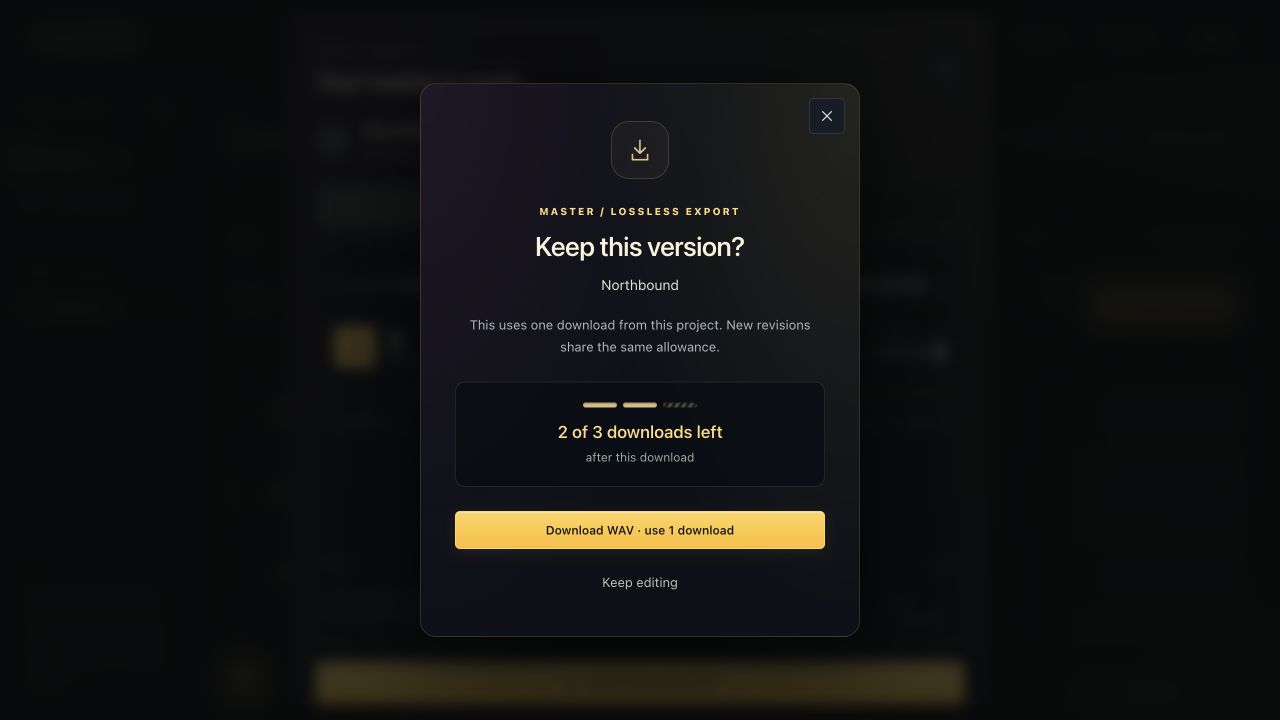
The result window shows text such as 3 of 3 downloads left by the download action. When you request a Free paid-pack download, a confirmation shows the count that will remain afterward.
Choose Keep editing to back out without using one. Choose Download WAV · use 1 download only when you want the file.
Retry a failed transfer #
If the transfer was interrupted, use Retry latest download for the granted version within one hour. This retry is tied to the same file and does not spend another download.
If the master has been replaced by a new version, an older grant does not unlock the new file. Use the current project allowance for a new version when you are ready.
Get more downloads #
When the balance reaches zero, choose the master download again. Select Get 3 more master downloads · $5 or upgrade to Pro for unlimited exports.
The project and its audio still follow your plan's retention rules. A purchase is not a guarantee that an expired or deleted project can be recovered.