Download the mix and individual stem WAVs
Export a pre-master mix, a ZIP of processed stems or a single track with Pro.
In this guide
Export the full mix WAV #
- Use Mix & master and finish a master of the current song.
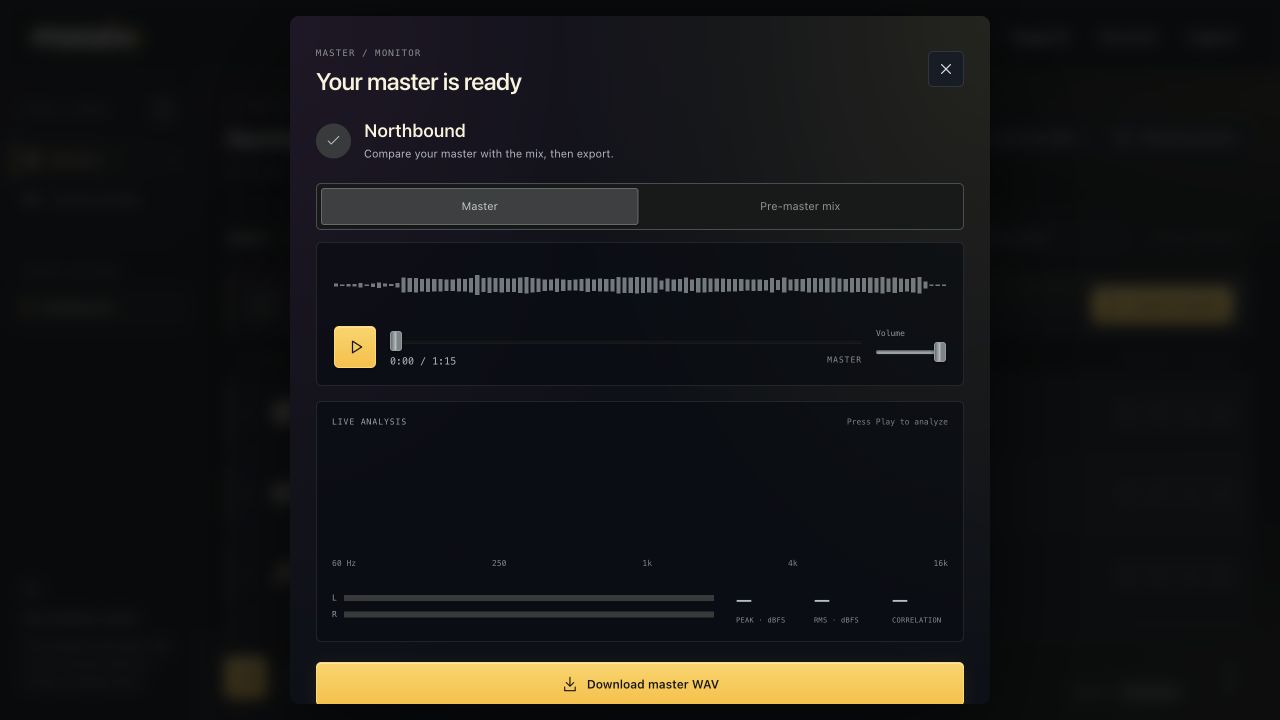
- Open Listen to master.
- Choose Mix WAV below the master download.
This is the pre-master mix, separate from the mastered WAV. These extra exports require Pro; a $5 project pack includes only master WAV downloads.
Export all processed stems #
Choose Stem WAVs in the same result window. The browser downloads a ZIP of WAV files. Extract the ZIP before importing the files into a DAW.
The stem set corresponds to the current rendered mix. Muted stems are not included. Keep the common start position when placing files into your DAW. The product exports WAVs, not native DAW project/session files.
Download one mixed track #
Use the track's WAV/download action when its processed file is ready. This also requires Pro. If the track is new or marked as needing a mix, complete its processing before expecting a new processed WAV.
If you want the full current render including the song's saved settings and current balance, create a fresh master first and export the current stem ZIP. Earlier individual processing files and a final stem render are different points in the workflow.
Keep the right files #
A master is for the finished combined song. A mix WAV is useful for further mastering work. Stems are useful for revisions and collaboration in a DAW.
Exporting any of them does not transfer ownership to Moozix. Your original DAW session should remain your backup; a saved custom profile does not replace the audio files.