Your music, your rights
You keep your music. Learn about ownership, AI training, reference profiles and exactly when audio is removed.
In this guide
Do I still own my music? #
Yes. Your music stays yours. Moozix does not take ownership of your recordings, compositions, stems, mixes or masters. Using the service does not give Moozix a share of your copyright, publishing or royalties.
As between you and Moozix, you keep the rights you bring and Moozix does not claim ownership of the processed outputs. A Free account or a $5 download pack does not transfer your rights to us. Pro changes which features and files you can access; it does not change who owns your music.
You still need permission to use anyone else's recordings, samples, beats or compositions. Processing a file in Moozix does not clear third-party rights.
Do you train AI on my music? #
No. Moozix does not use your uploaded audio, stems, reference tracks, mixes or masters to train AI models.
A custom profile is not a model trained on your song. It stores sound measurements used to guide the processing you request. The temporary reference audio is removed after analysis; the measurements stay until you delete the profile.
We do not publicly showcase your specific music for marketing without your permission or a deliberate public-sharing action by you.
What permission does Moozix need? #
We need limited permission to receive, store, analyze and process the files you choose, play previews back to you, and deliver your requested exports. Hosting and storage providers handle data as needed to operate the service. We may also handle data as needed for security, troubleshooting, requested support and legal obligations.
That permission provides the service; it is not an ownership transfer or permission to train AI on your music. Your session audio is not made into a public music library.
When does my audio get deleted? #
| What you use | What happens to the audio |
|---|---|
| Free Studio session | Expires after 24 hours of inactivity. Actual use renews the timer; an active processing job is protected. Cleanup removes the expired session and its audio from active cloud storage. |
| Pro Studio session | No automatic 24-hour expiry while your account is Pro. Sessions and audio remain until you delete them or your plan changes. Keep your own backups. |
| A $5 download pack | Unlocks master downloads for that project. It does not upgrade the account or extend Free retention. |
| Reference uploaded to Custom profiles | Uploaded temporarily, analyzed, then removed. Sound measurements remain in your profile. Interrupted or failed analysis is also cleaned up. |
| Removed stem | Its original and processed audio and previews are removed from the session's active storage. |
| Replaced processing version | Superseded processed WAVs and MP3 previews are cleaned up; the current source and current results stay as needed for the session. |
| Deleted session | The session and its associated uploads, previews, mix, master and stem files are removed from active cloud storage. |
Cleanup runs in the background, so removal is not a promise of deletion at the exact second a timer reaches zero. Pro is a working library, not a substitute for your own backup.
How do I remove a project myself? #
- Download any files you want to keep.
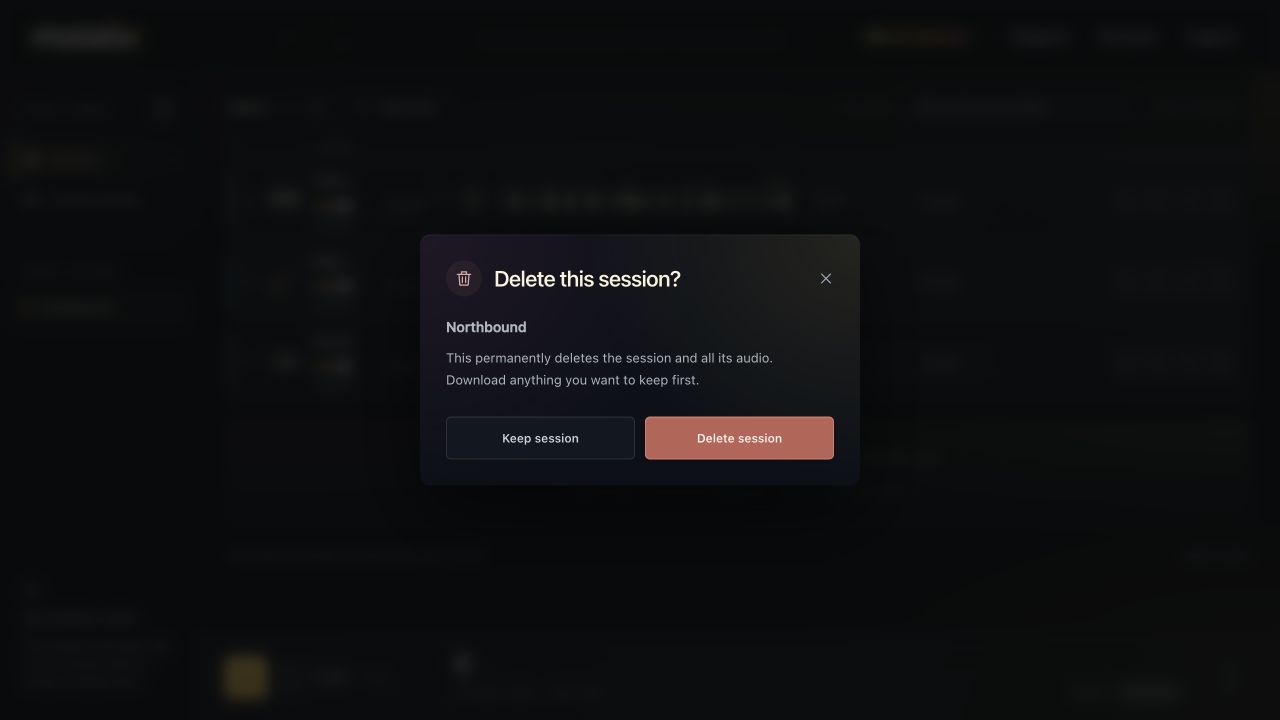
- Open the session and choose Delete session.
- Review the confirmation and choose Delete session.
This cannot be undone in the app. To remove an instrument reference instead, open Custom profiles, select the profile and choose Remove beside that reference. To remove the whole profile, choose Delete profile.
If Pro ends, sessions switch to the Free inactivity policy. A one-time download purchase does not preserve a project indefinitely.
What can remain after audio is removed? #
Deleting active audio is separate from deleting account and transaction records. Non-audio usage history, invoices, security records and records required by law may remain. Limited backup copies may persist until deletion cycles finish; deletion from active storage is not a promise of instantaneous erasure from every backup.
For an account or personal-data deletion request, email support@moozix.com from your account email. Do not send your password.
The Privacy Policy and Terms of Service explain the full service and data-handling terms.