Save a finished mix as a profile
Turn a completed Moozix result into a reusable reference profile with Pro.
In this guide
Finish the song first #
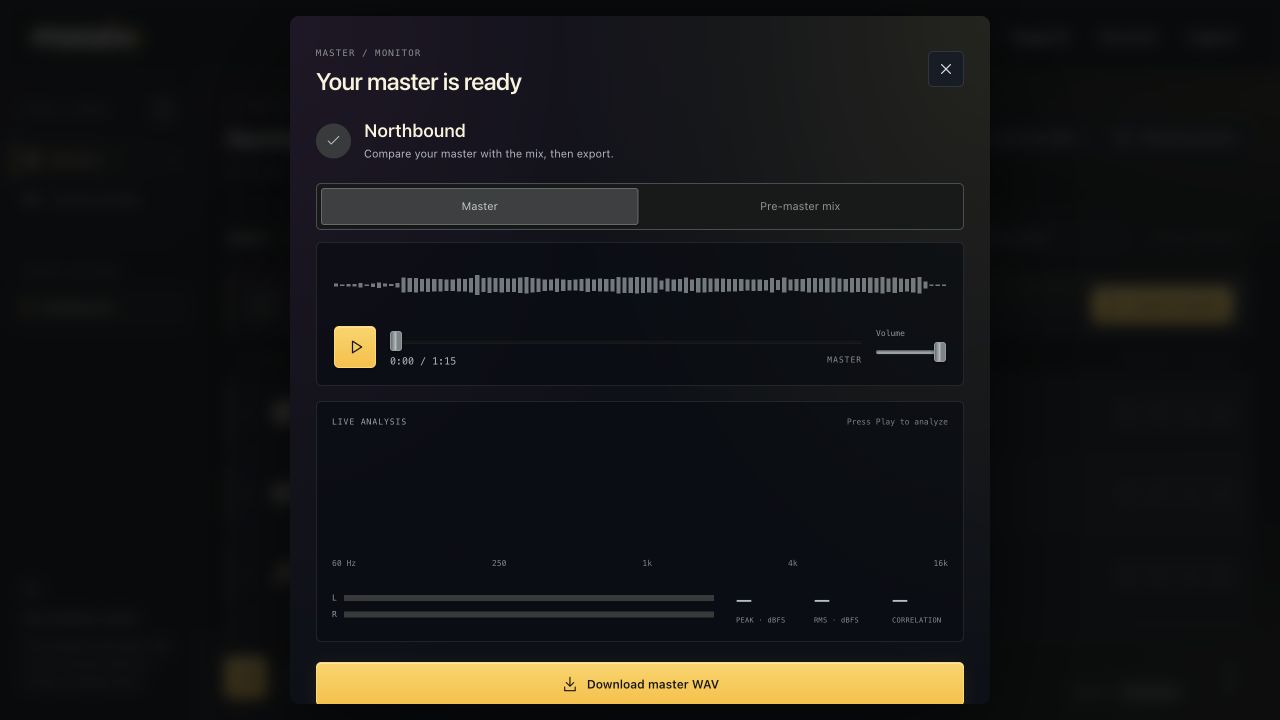
Create a completed master for the session and listen to the result. Saving a mix as a profile requires Pro and a finished result with analysis.
A channel preset is different: it saves your FX control settings on one track. A mix profile stores sound measurements for future processing.
Capture the profile #
- Open Listen to master.
- Choose Save mix as profile at the bottom of the result window.
- Enter a descriptive profile name and confirm.
- Wait for profile capture to finish.
- Open Custom profiles to review the result or choose it in a later session.
Capture runs in the background; it is not instant text-only saving. Do not repeatedly create the same profile because its processing has not finished yet.
Keep the useful reference, not an audio archive #
The captured profile retains measurements for use in future mix/master processing. It is not a backup of the source session or a way to recover deleted stems.
Download and back up the actual WAV files you want to keep. You can rename or remove the saved profile later from Custom profiles.