Save and load a channel preset
Reuse your favorite control settings without confusing a channel preset with a reference profile.
In this guide
Save your controls with Pro #
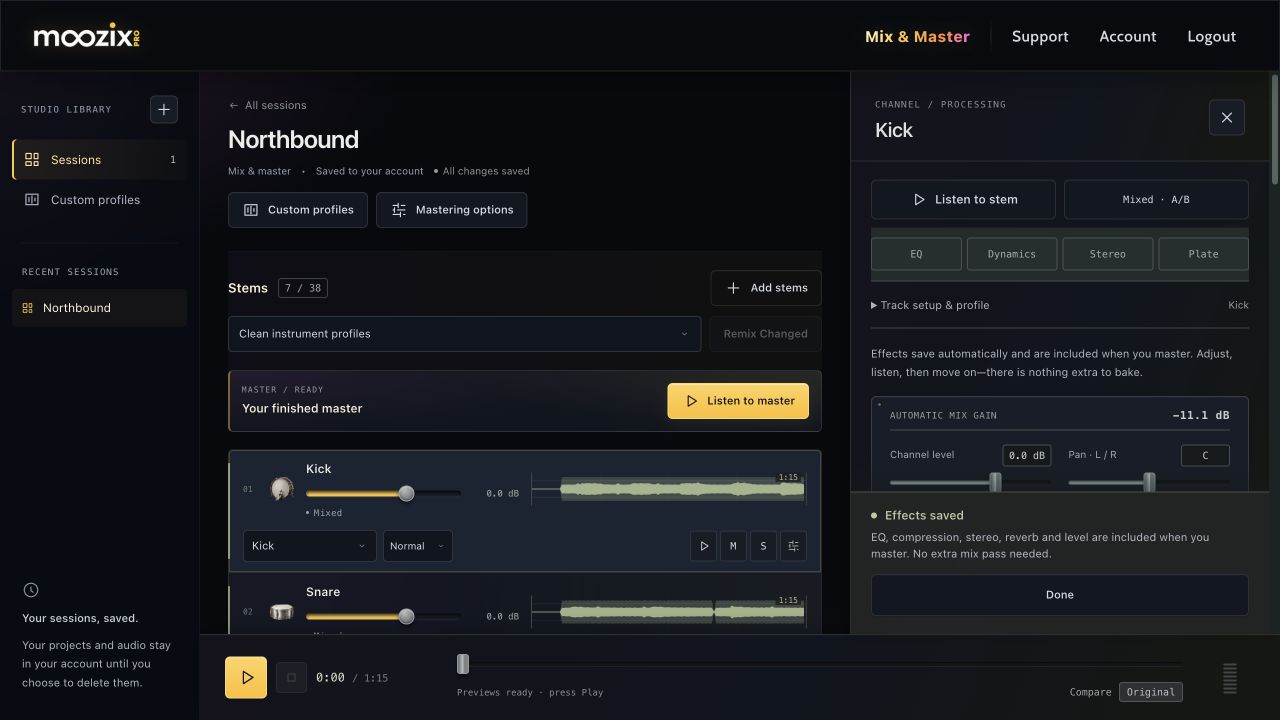
- Mix the track and open FX.
- Dial in the controls you want to reuse.
- Expand Track setup & profile.
- Choose Save beside the saved-preset selector.
- Enter a clear name, such as “Intimate vocal”, and confirm.
Saved channel presets require Pro. You can save up to 100. They store channel controls, not a copy of your source audio.
Load a preset on another track #
Open that mixed track's FX rack, expand Track setup & profile, and choose a name from Load a saved preset…. Listen and adapt it to the new recording, then wait for the changes to save.
A preset is a starting point, not a guarantee that every microphone or singer needs identical EQ or compression. If the change also affects a setting that requires a mix pass, the rack will say so.
Choose a preset or a custom profile #
A channel preset reuses controls you dialed in. A custom profile stores sound measurements from reference audio and guides the automatic processing for an instrument or master.
Use a preset for a recurring manual rack setup. Use a custom profile when you want new material processed toward a particular reference sound. The preset menu does not provide a full preset-management or undo history screen.