Add plate reverb to a vocal or instrument
Use the two reverb controls to add space without setting up sends, returns or a separate reverb workflow.
Set a little space #
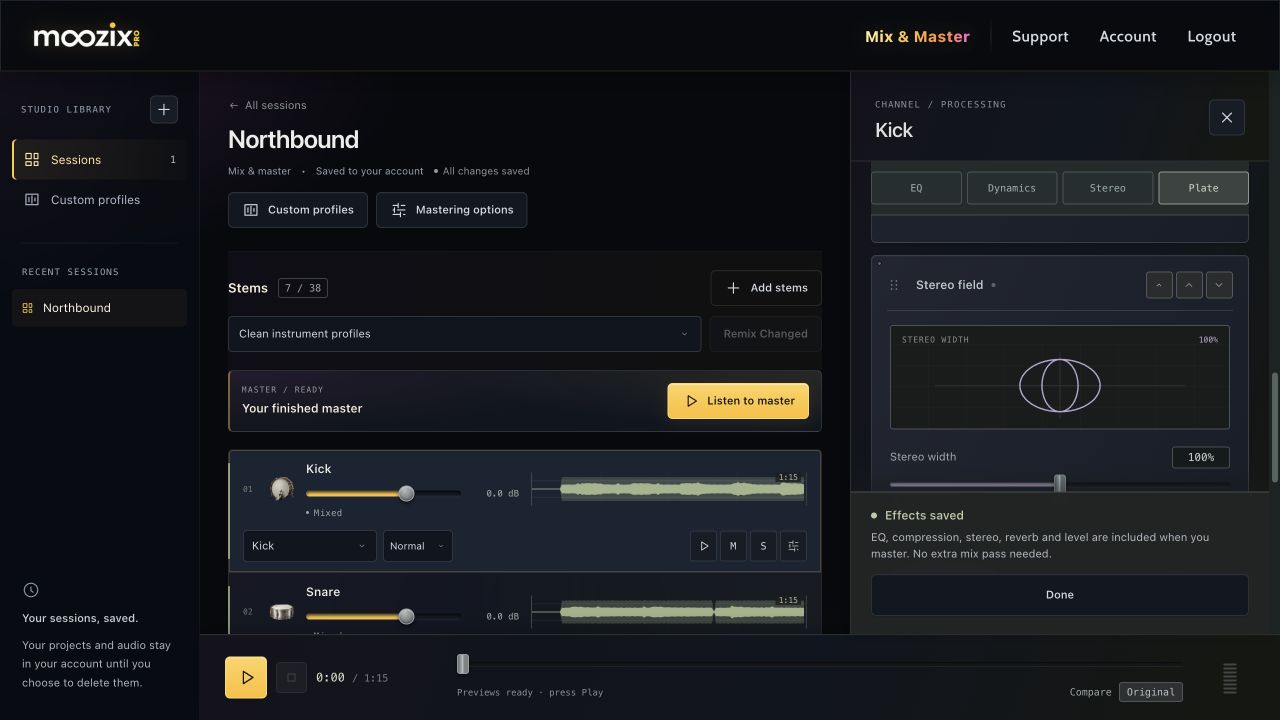
- Mix the stem, then open FX.
- Choose the Plate jump button or find Plate reverb in the rack.
- Raise Amount from 0%.
- Adjust Time to change the decay, from 0.4 to 4 seconds.
- Listen in the whole mix, not only with the track soloed.
Amount blends in more of the reverb; Time makes it decay shorter or longer. The display illustrates the chosen decay; it is not a recording of the current audio.
Keep the words and groove clear #
For a more intimate sound, begin with less Amount and a shorter Time. Increase either if the part needs more space, then check that vocal words and drum timing stay clear.
One plate works across vocal and instrument styles; the useful setting depends on the arrangement. At 0% Amount the reverb is off. Drag the sliders themselves; use the separate grip only when reordering the module.
Export the new reverb #
Wait for the saved status, then create a new master. Reverb is a live channel effect and is included in the render; you do not need an extra automatic mix pass solely for changing Amount or Time.
A long decay can extend the audio tail. Keep this in mind when comparing durations or lining an exported stem back up in a DAW.